Store Sales Summary
PilotDaily or weekly dashboard and email summary
Shopify or WooCommerce · Starter
Three clear activation steps · Human approval where it matters · No n8n account required
Outcome catalog
Daily or weekly dashboard and email summary
Shopify or WooCommerce · Starter
Prioritized inbox and reviewable drafts—no automatic send
Google Workspace or Microsoft 365 · Pro
Assigned next steps and follow-up drafts with duplicate protection
HubSpot, Sheets, or email · Starter
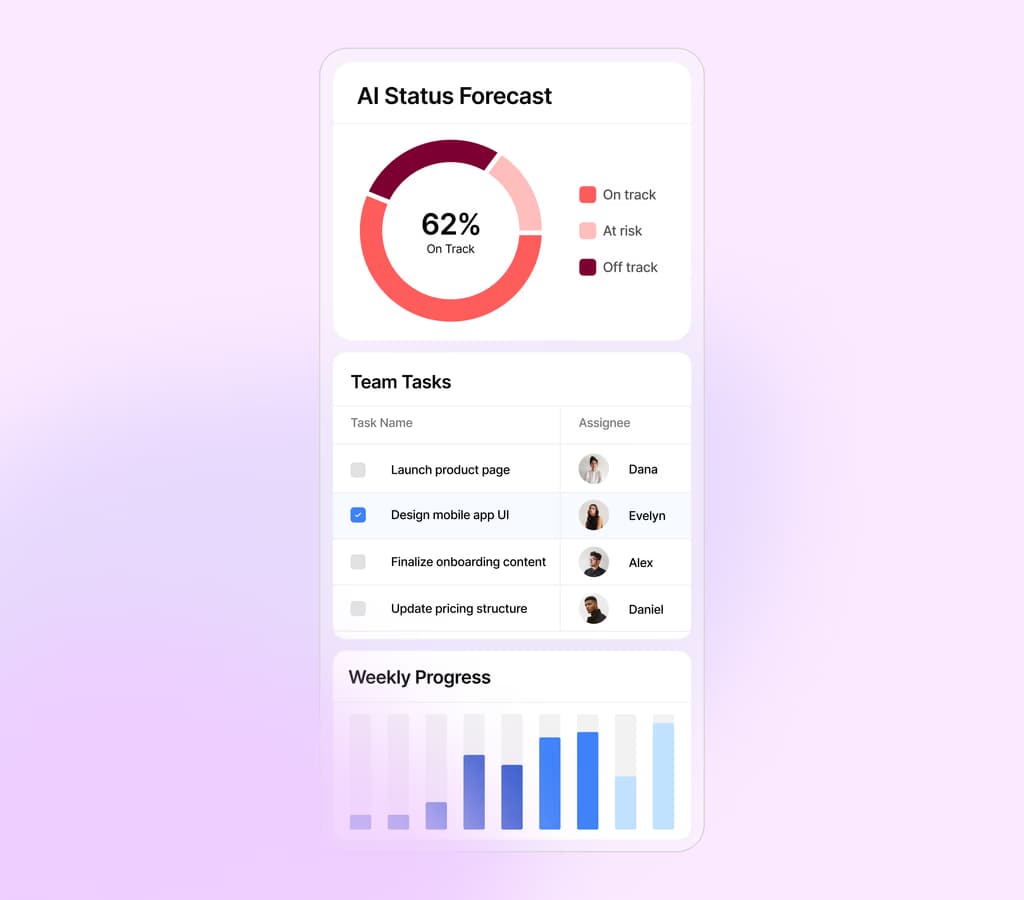
Sample dashboard
An example of tasks and progress brought into one view. All data shown is illustrative.
Open the full demo →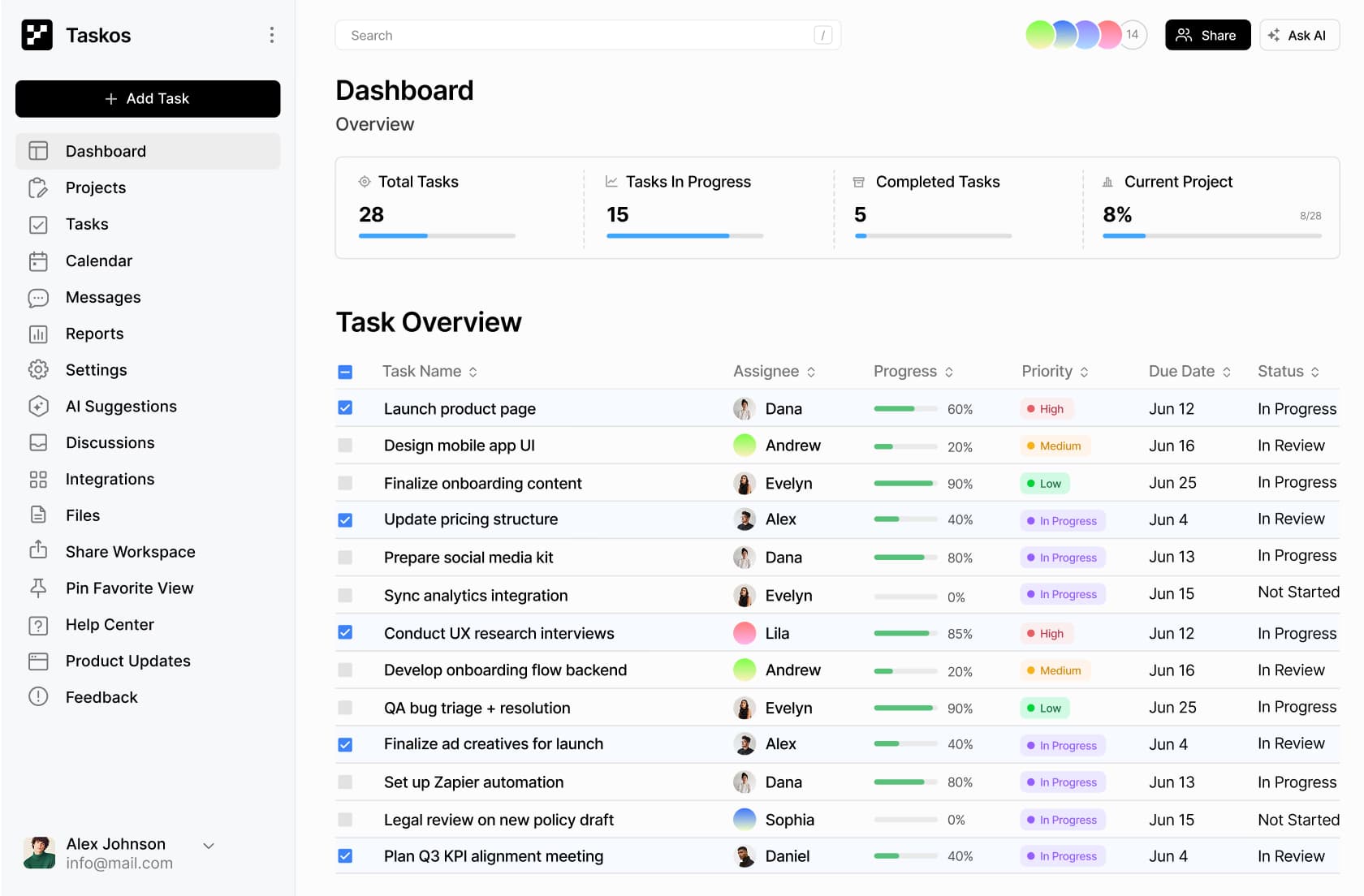
What this looks like
Turn incoming WhatsApp or email questions into prepared replies and the right next step.
Prepare a CRM, ERP, or dashboard action for a person to check before it is applied.
Collect project inputs, flag exceptions, and keep the team’s follow-up visible.
A closer look
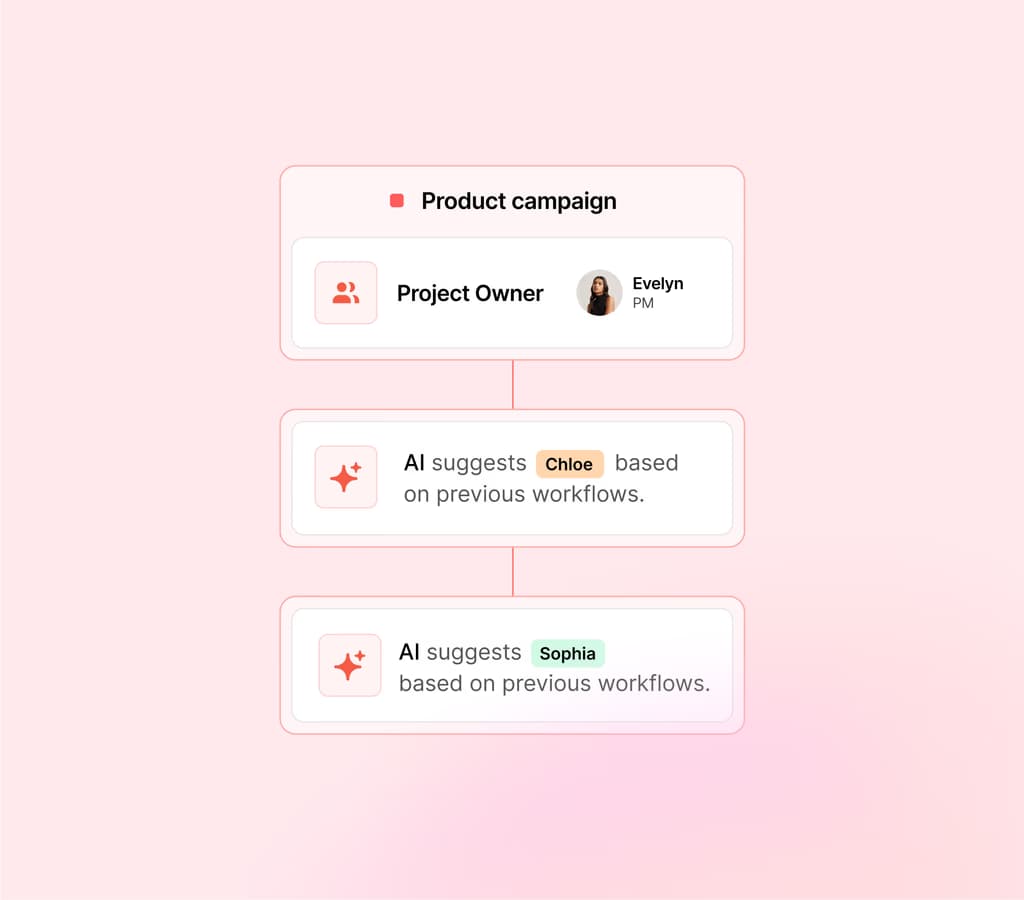
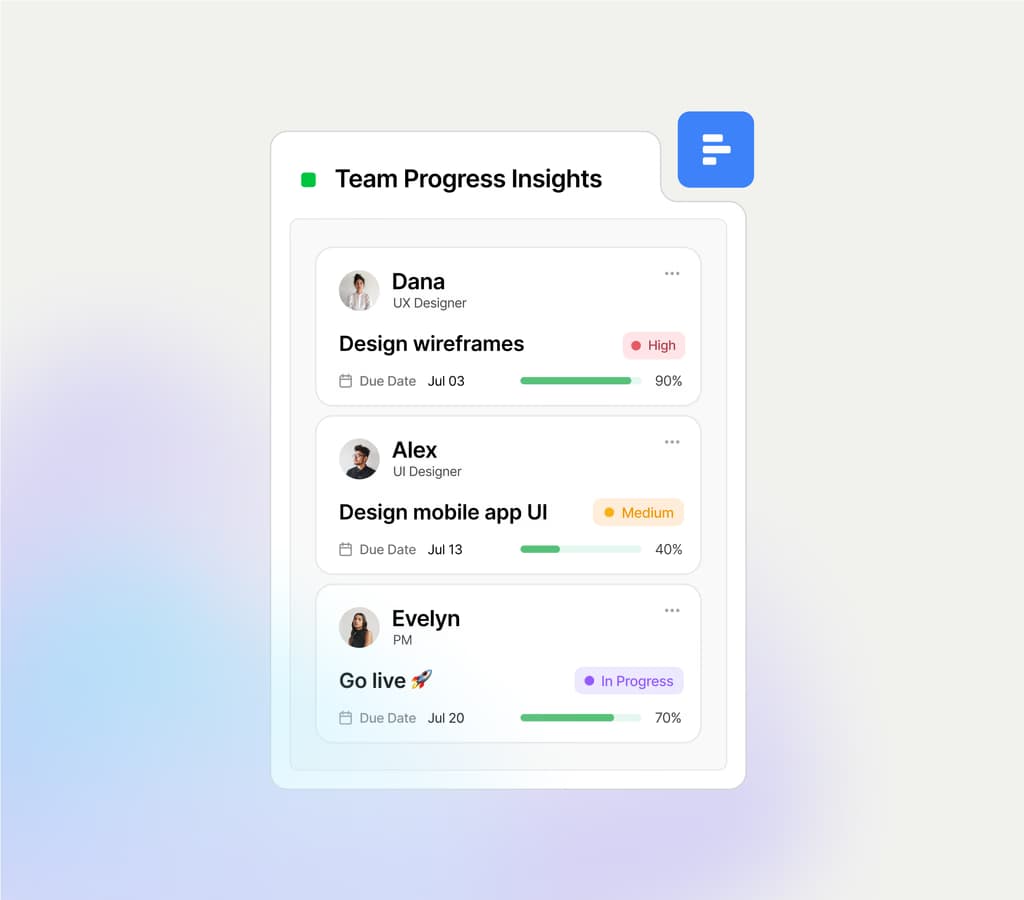
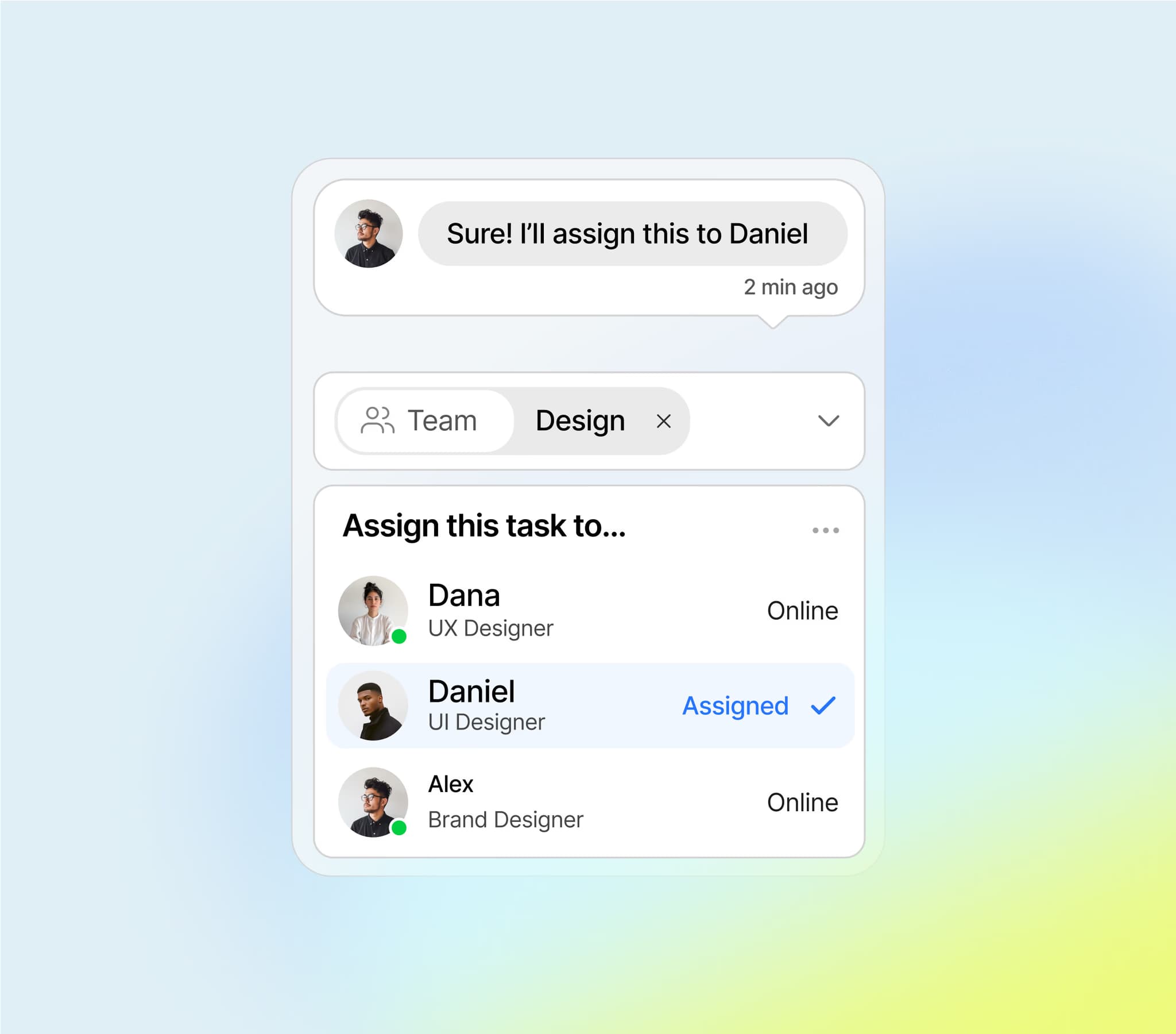
Illustrative dashboard screens with sample data. What you see in your account depends on the automations you switch on and your plan.
Assign tasks intelligently based on your team's roles, recent activity, and current workload. No more guesswork — the right task reaches the right person at the right time.
Track every task's status with intuitive progress bars and clear priority indicators. Quickly spot blockers, overdue items, and what needs your attention next.
Work together in real time — edit tasks, leave comments, and see updates instantly. Stay aligned without switching tools or waiting on status updates.
Switch seamlessly between list, board, and timeline views to match how your team works. Whether you're planning ahead or tracking day-to-day, you're always in control.
An interactive example with sample data. Nothing is sent and no real system is changed.
A customer message, form, or internal task enters a permitted channel.
It gathers the approved context and drafts the next action.
The responsible teammate reviews anything that needs judgment.
The action and follow-up stay visible in the systems you use.
Customer request · Sample data
Is the blue jacket still available in medium, and can it arrive by Friday?
The request is ready. Let the agent prepare a suggested reply for you to review.
How it works
Everything happens in the Reevez app. You choose what runs, which accounts it uses, and which actions wait for a person before they are applied.
Each catalog entry shows the result, the accounts it needs, and the plan it belongs to.
Link your own accounts, run a test with your data, and set which steps wait for approval.
It runs on schedule or when a request arrives. Runs and approvals stay visible in your dashboard.
Live demo
Ask questions about a sample business in plain language and see how suggested actions wait for your approval. No sign-up needed.
Open the demoPricing
Each plan sets how many automations you can run and how many runs you get each month. Pay monthly, or annually for 20% off.
Compare plansQuestions
No. Reevez is built around the tools and data you already use.
Only within the agreed permissions. Sensitive actions can wait for a named person’s approval.
Create an account, pick an automation from the catalog, connect your tools, and switch it on. The Free plan includes one automation.
Yes. Upgrade, downgrade, or cancel from your billing page at any time. A canceled plan stays active until the end of the period you paid for.
Create a free account, pick a ready automation, and connect your tools. Upgrade when you need more automations or monthly runs.